

Hi Adopter,
You’ve got a tool that spots a problem in seconds. Great. Who checks it? Who calls the crew? Without that next step, you’ve produced a very fast addition to somebody’s inbox.
Before your team adds AI to another process, decide where it belongs in the job and what people still need to do. Hawai‘i has some useful examples.
I lived there for almost a decade, and my friend Ian Kitajima introduced me to design thinking. Our recent conversation got me looking at AI projects across the islands. These are separate efforts by different organizations, not one coordinated statewide rollout.
Start with the job
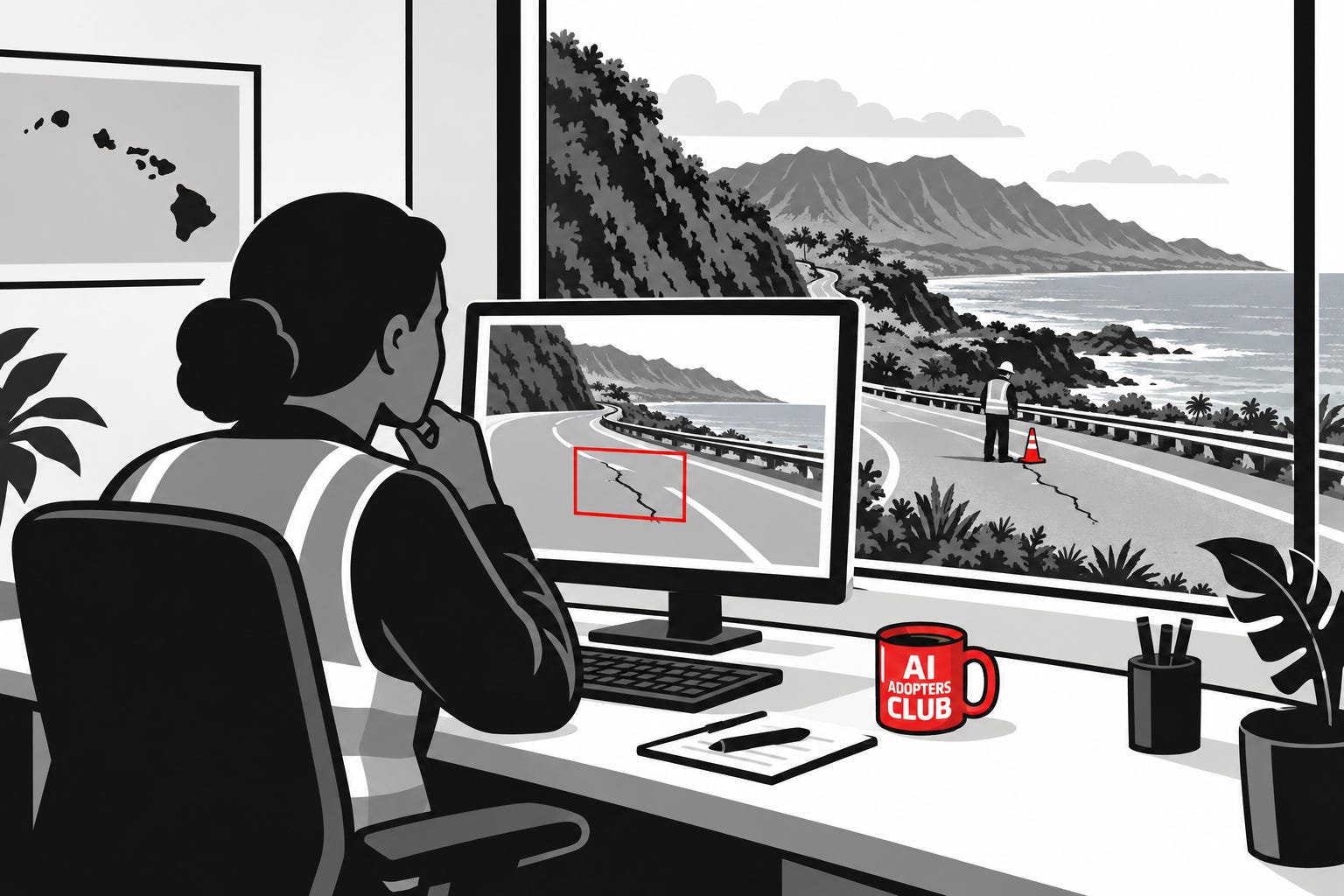
Road maintenance. Hawai‘i’s transportation department is collecting dashcam footage to help identify potholes, damaged guardrails and other road conditions. Its Eyes on the Road update describes information flowing to maintenance staff. Someone still needs to check a finding and decide what gets fixed. Spotting a pothole isn’t the same as repairing it.
Wildfire detection. Hawaiian Electric’s camera system uses AI to flag possible smoke. People review the imagery before notifying the utility and emergency agencies. The human review is part of the system, not an afterthought.
Evacuation planning. Maui’s contract for evacuation tools combines traffic modeling with public communication. The county said first responders would review proposed zones using their local knowledge. Software can propose a plan; people who know the roads need to question it.
Learning. In a Hawai‘i Island classroom, students defended historical inventions against a skeptical chatbot. AI challenged their reasoning instead of doing the assignment. The students still had a job.
That last example connects to something Ian told me. He ran a design-thinking workshop where AI took over much of the work people normally do together. He recalls participants leaving demotivated, rather than energized. It’s one workshop, not a study, but the question is worth asking: are you removing tedious work, or the part people need to learn and feel involved?
Watch our conversation to find out more about it.
Below, I’ll walk through how these lessons apply to your team. Which job should you try with AI? Who needs to check its work? And how do you tell whether you’ve saved time or just moved the work onto someone else?
You’ll get a four-step checklist for testing one recurring task, plus the full 24-page Hawai‘i case study. The PDF includes the project details, source links and a printable pilot approval sheet you can fill in with whoever owns the work.
Become a paid member ➖ See all the perks
Map the work before choosing the tool
Ian’s starting point is practical: look at a repeatable process, improve what you can, then decide where AI fits.
Pick a job your team does every week. Follow it from the first request to the finished result. Where does someone wait? Where does work come back for corrections? Fix an unnecessary handoff before trying to automate it.
Ian also suggested bringing fresh eyes to the process. I’d pair someone who knows the job with someone comfortable using AI who hasn’t learned all the office habits. One knows why an exception matters. The other might ask why that step exists at all.
Let people help write the rules
Ian described another experiment: bringing people into a discussion about AI, then using it to help turn their concerns into draft guidance.
I like the distinction. In the design workshop, AI took over work people needed to do together. Here, the aim was to help them contribute.
Try it with your team. Ask where AI would help and what worries them. Let AI organize the discussion, then have everyone check what it missed or oversimplified. Whoever owns the policy still approves it. Don’t confuse a tidy summary with agreement.
Start with two hours
Ian asks how small an experiment could be. Instead of committing to a long pilot, what could you learn in two hours?
Choose one low-risk slice of the job. Keep the current process running and use examples you’re allowed to share with the tool. Here’s how I’d structure it:
Name the result and owner. Write down what finished work looks like and who makes the final decision.
Check the current process. Use a few normal examples and awkward ones. Note time spent, mistakes and follow-up work.
Run AI alongside it. Check its outputs and, for detection tasks, examples it missed. Include review and correction time in the comparison.
Decide what to test next. Stop, adjust or plan a controlled next step. Two hours can expose a useful question. It doesn’t establish that you’re ready to roll out.
Look at completed work, not activity. For a road inspection, that means what happened after the flag. For learning, it’s what someone can explain afterward. For your team, agree on the result before you try to measure it.
Download the full Hawai‘i case study and pilot approval sheet below. Use the worksheet with the person who owns the job.
What’s one recurring task you’d test this way? Reply or tell me in the comments.
Adapt and Create,
Kamil
Sources
Hawai‘i Department of Transportation, Next steps for Eyes on the Road.
Hawaiian Electric, AI-assisted wildfire camera announcement.
Ian’s examples and Kamil’s Hawai‘i connection come from their recorded conversation above. Ian describes his experiences and suggestions, not an evaluation of the public projects.
About the author
Kamil Banc is an AI culture and adoption advisor. He helps organizations put AI to work through corporate advisory, coaching, and assessments, and writes AI Adopters Club.


