

Hi Adopter,
The short version
You’re probably paying for more AI tools than you use. Most of us are.
A quick pass takes ten minutes or so: download your card activity, hand it to Claude or ChatGPT, and ask it to sort the charges.
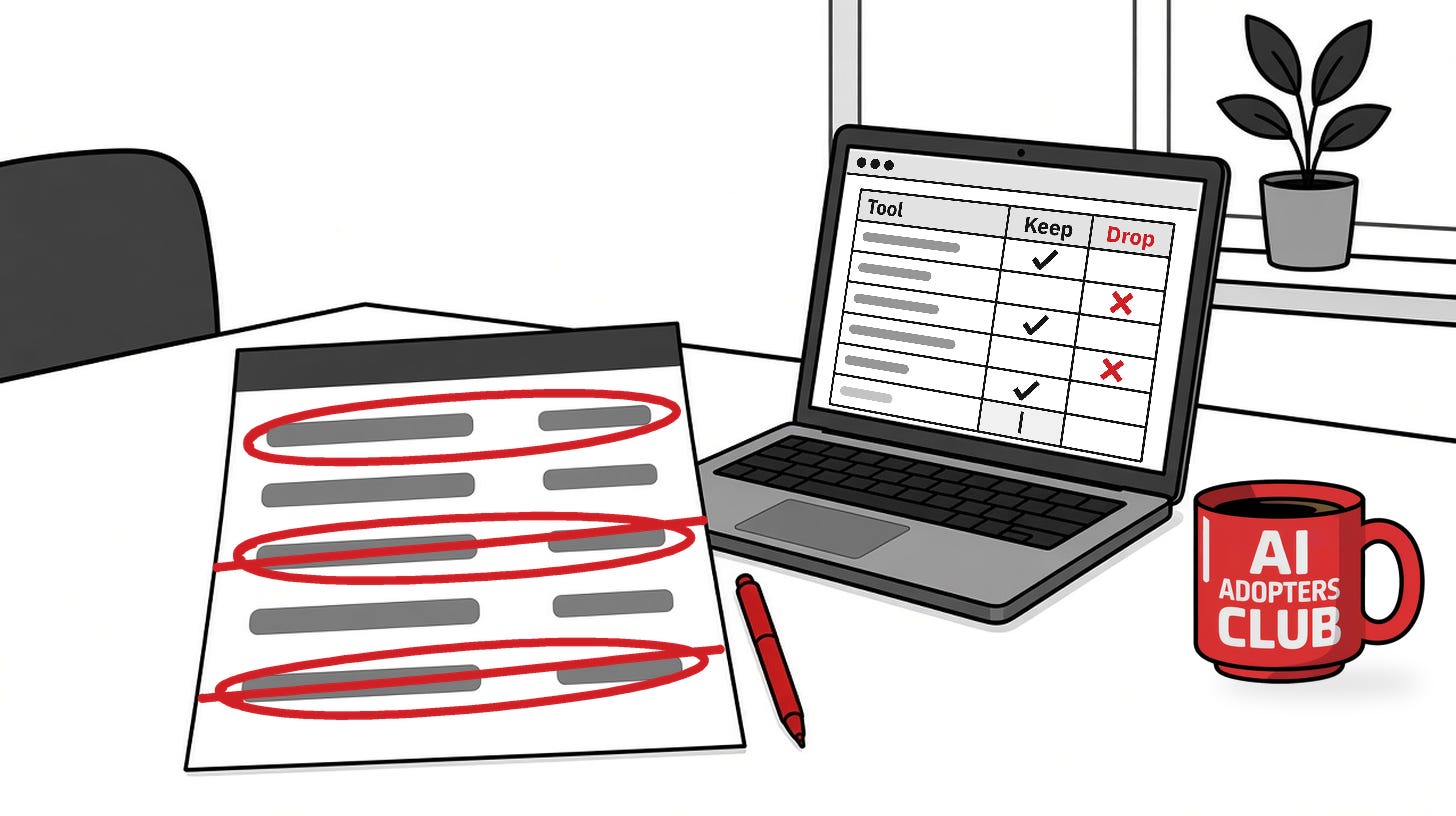
For a fuller check, give a year of statements to an AI agent with the read-only prompt below. It labels every tool keep, combine, downgrade or drop, and you sign off on each change yourself.
Counting what I pay for
Last week I went through my card statement one charge at a time, hunting for AI tools.
The count came to roughly twelve subscriptions. Most weeks, only a few of them get opened.
I’d bet you’re in the same spot. It came up over and over in my reader survey on AI, and someone asks me about it after most of my talks. Which of these tools are worth paying for, and where do I even start? A few people admit they’re paying for tools they don’t feel confident using.
The quick pass
So that’s where I started, with the quick version. It’s a ten-minute job.
Download the activity from your business card and bank account as a CSV, a full year of it if your bank allows. Open ChatGPT or Claude, attach the file, and send this:
This file is a year of my business card and bank activity. Pull out every recurring charge for software or AI. For each one, give me the monthly price, what the tool does, and any other tool on the list that covers the same work. Then label each one keep, combine or drop, and add up how much I’d save per month by dropping or combining the tools you flagged.
Before you upload anything, delete your account and card numbers from the file.
Why a full year? Three months of activity shows every monthly charge, but a yearly plan that renewed last spring won’t be in it, and you’ll get surprised all over again when it renews.
The fuller method
Big companies have the same problem. Zylo, which sells software for managing subscriptions, says the organizations in its 2026 data leave an average of 36% of their software licenses unused, and that ChatGPT is now the most expensed app. Those numbers come from large organizations. The number that counts for you is on your own statement.
When you have a bit more time, go further:
Look everywhere you pay. Your main card, any second card, PayPal, and the Apple and Google app stores, where subscriptions often hide.
Add the receipts. Search your inbox for “receipt,” “renewal” and “subscription.” Receipts show the plan, the seats and the renewal date.
Group by job, not by name. General AI chat, meeting notes, images, design. Three tools under one job means you’ve found an overlap.
Check who uses it. If nobody opened it in the last 30 days, it’s a candidate. If you pay for three seats and one person logs in, you can probably downgrade instead of dropping it.
Put yearly renewals on your calendar. Set a reminder about 30 days before each one, so you decide before it renews.
The agent prompt
This prompt does the sorting for you. Fill in the parts in double curly brackets, attach your statement as a CSV, and give it to ChatGPT, Claude or any AI agent that can read a file. If your AI tool connects to your email or your accounting software, let it read those too. It works without them.
You are my subscription auditor. List each software and AI plan my business is billed for, work out its monthly price, spot tools that overlap, and recommend whether to keep, combine, downgrade or drop each one. You recommend. I decide.

My inputs:
- Statements: {{statement_file}} covering {{months}} months (12 is best, so yearly plans show up)
- Who uses the tools: {{team_size}}
- What I know about my usage: {{usage_notes}}

What to connect (all optional except the statement):
- The statement CSV upload. This works everywhere.
- My email, read only, to find receipts and renewal notices.
- My accounting tool (QuickBooks or Xero), read only.
- A spreadsheet or calendar, only if I ask for the audit sheet or renewal reminders.

Rules:
- Read only. Never cancel or change a plan, log in to a vendor, contact anyone, pay anything, or send, share or delete a file or email.
- Never repeat account or card numbers. If you see them, tell me to remove them.
- If you can't tell what a charge is, mark it "unclear." Don't guess a vendor, price or feature.
- If the statement covers less than 12 months, warn me that yearly plans may be missing.

Steps:
1. Find repeating charges, $0 trials and yearly charges. Merge spellings of the same vendor.
2. Turn each into a monthly cost. Divide yearly charges by 12. Average usage-based charges.
3. Name the job each tool does and group the overlaps.
4. Ask me about use if my notes don't say. Used in the last 30 days counts as used. Compare seats with people.
5. Give each tool a verdict and a monthly saving. A yearly plan that's already paid saves money only from its next renewal.

Output:
1. A table: Tool | Monthly cost | Billing cycle | Job | Overlaps with | Verdict (keep, combine, downgrade, drop) | Monthly saving
2. Totals: all subscriptions, saving starting now, saving at a later renewal, and unclear charges (not counted).
3. Actions ordered by saving, largest first.
4. Unclear charges to look up.

Before you answer, re-add the totals and confirm no vendor appears twice.

You're done when every repeating charge is in the table or on the unclear list and the totals add up. Then ask me which actions I approve. I'll do the cancelling myself.
The prompt tells the agent to stay read-only, but a prompt can’t enforce that. If your AI tool asks for approval before it acts in a connected app, leave that setting on.
Before you drop anything
Export what you need. Notes, transcripts and designs can be hard to get back once a plan ends.
Check what depends on it. Logins and automations sometimes run through the tool you’re about to drop.
Ask the people who use it. The tool you never open might be the one your bookkeeper relies on.
Read the terms on yearly plans. Cancelling usually stops the next renewal. Whether you get money back depends on the vendor.
Your turn
Run the prompt this week, then post your number in the comments: how much did it save you each month? Tell us what you dropped, too. I’d love to see whose list was the longest.
Then take the first month of savings and go out for a good dinner. Honestly, it’s a better use of the money than another tool you won’t open.