


Hi Adopter,
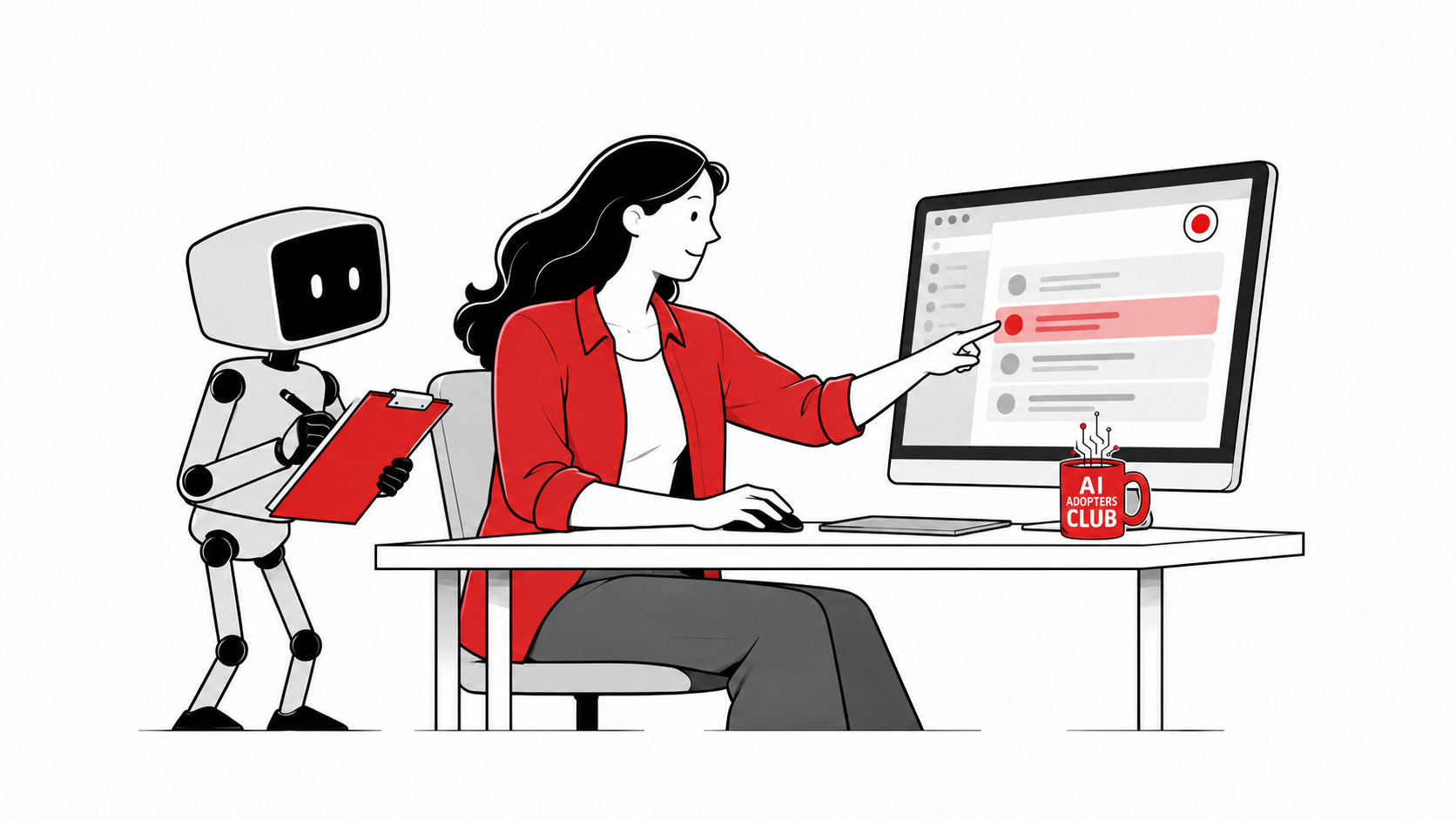
Record yourself doing a task and let AI draft a reusable skill: saved instructions it can follow next time. You may already have this feature and not know it.
Claude’s Cowork and Codex on a Mac both offer versions of it. You show the task, explain your decisions, then review what the AI writes.
If you send clients weekly project updates, you repeat a useful routine: open the project board, check what’s finished, identify blockers and rewrite the notes into an email. The information already exists. Turning it into a clear update is the repeated work.
This won’t replace a forward-deployed engineer who comes into your business, maps its processes, connects systems and builds reliable automation. But for a small business, recording one simple task is a more accessible starting point than commissioning a full automation project.
Record yourself preparing one update. Explain what belongs in it and what must stay out. AI can draft the procedure from that demonstration; you check it before using it next week.
Try this today: Make a three-task practice board using made-up client details. Record yourself turning it into an update in a blank document. Stop with a draft, before sending anything.
Here’s how to turn that demonstration into something you can check and reuse.
In this edition
Demonstrate one repeatable task, turn it into a reusable skill, then review and test it before relying on it.
We’ll use weekly client updates to cover:
Recording with Cowork, Codex Record & Replay or a screen recorder.
The steps and two prompts for drafting and testing the skill.
A sample email and the checks to keep a human in charge.
Even if you stop here: narrate your decisions, not just your clicks. Explain what to leave out, when to ask and what needs human approval.