

Hey Adopter,
You have been writing instructions for your AI for about two years now. The settings box. The project instructions. The documents you uploaded so it would stop getting things wrong. In this edition, I’m sharing four prompt templates that you can use today to clean out your system today!
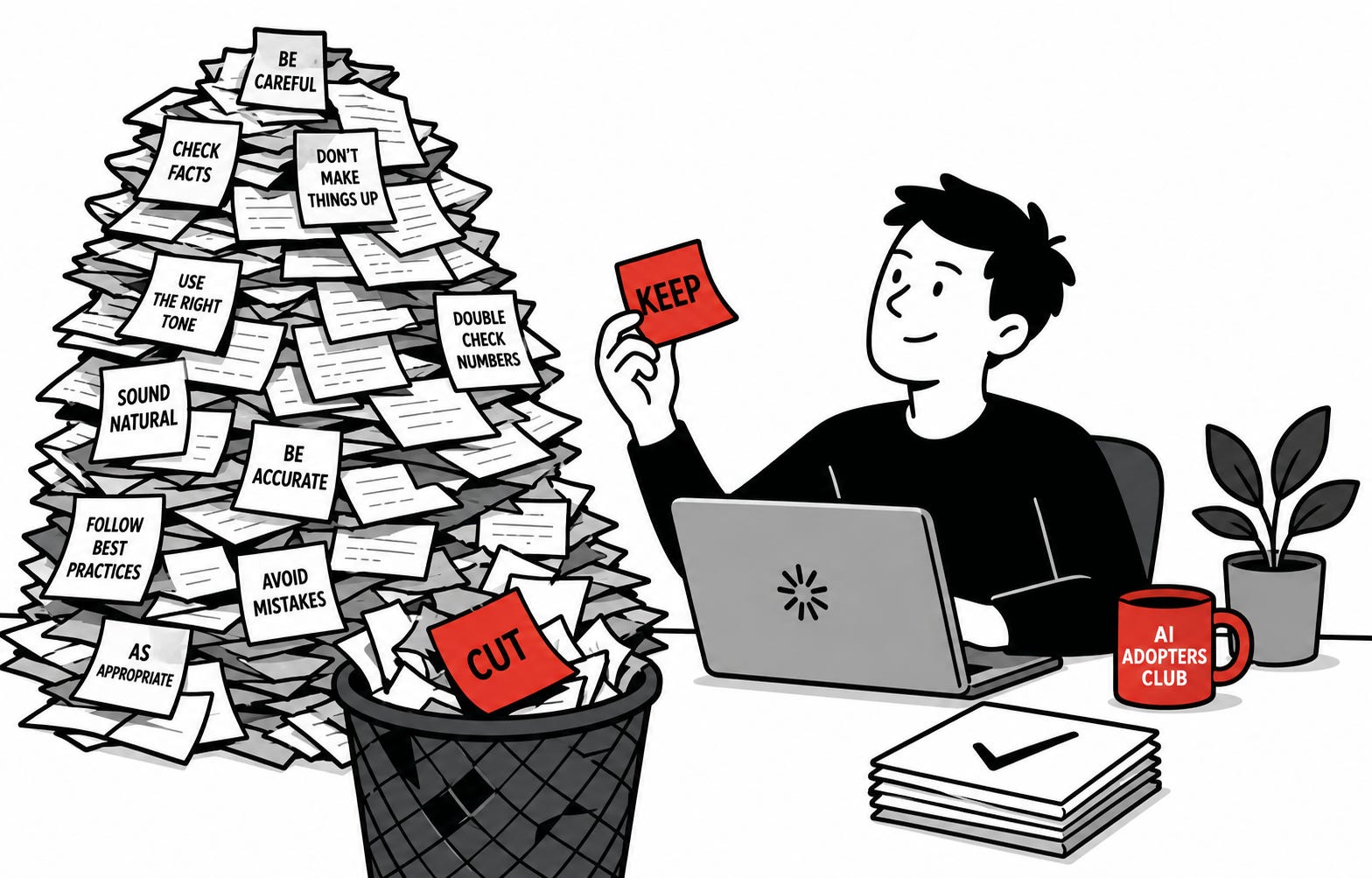
None of it ever gets deleted. It only grows.
And all of it gets read every time you send a message, before your actual question is even looked at.
Last month Anthropic deleted more than 80% of the instructions it had written for its own coding tool. Test scores did not move. Then the engineer who built that tool went on stage and told everyone else to do the same thing. Delete your files. Delete your skills. Every six months.
The reason it works is simple. Most of what you wrote was there to stop a mistake. Mistakes from 2025, that the model no longer makes. You are still paying for the correction on every message you send. You stopped getting anything back for it a long time ago.
Picture sticky notes left for a new starter. Two years on they run the department, and the notes are still on the desk telling them where the kettle is. They read every one before they do anything.
Now the part that stops most people. Deleting the wrong things is worse than deleting nothing. Cut your audience, your formats, your house style, and you will spend a month wondering why the output went flat and generic.
So the whole job comes down to one question.
Most people ask the wrong one. They ask whether it is still true. It always is. That is exactly why nothing ever gets deleted and the pile keeps growing.
The question
Would a brilliant new colleague, who already knows my field, still need to be told this?
If yes, keep it. A sharp new hire genuinely does need telling who your audience is, what your word counts are, which spelling you use, how you sign off, and that you hate em dashes. None of that is guessable. Losing it is what makes output go flat.
If no, cut it. Check your facts. Do not make things up. Be careful with numbers. Make sure the tone is right. A competent person does not need any of that, and neither does the model any more.
Ten seconds a line. Clears out about two thirds.
Three things people get wrong
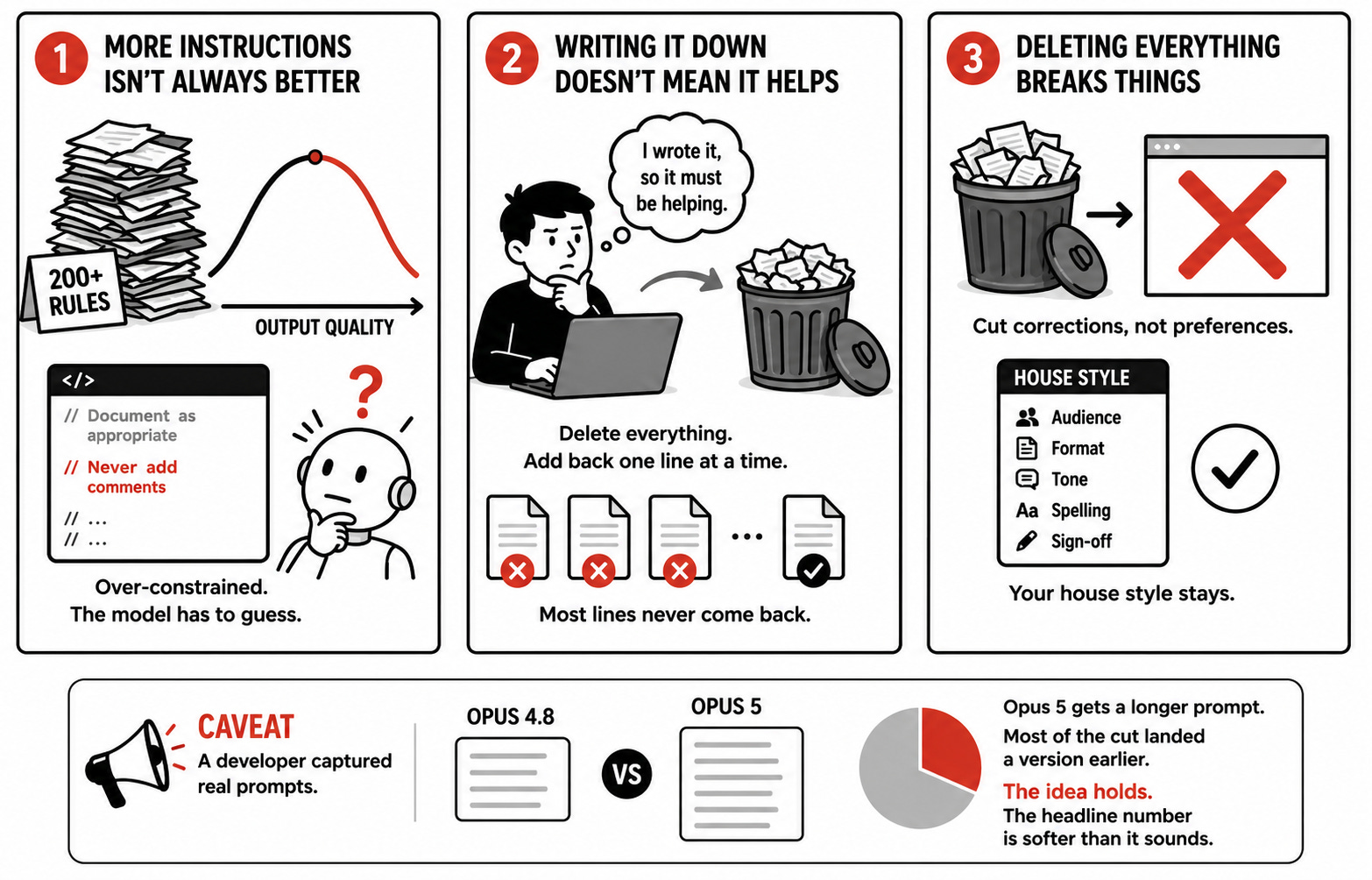
More instructions means better output. True at first, then it flips. Anthropic found it had over-constrained its own tool through the settings, the files and the skills all at once. One rule said document as appropriate. Another said never add comments. The model read both and had to pick.
If I bothered to write it down, it must be helping. Almost certainly not, because you never tested it. Anthropic’s method is to delete the whole thing, then add it back one line at a time to see what each line actually does. Most lines never come back.
So delete everything. This is how people wreck a working setup. Anthropic cut corrections, not preferences. Your house style stays.
One caveat, because this audience checks. A developer captured the prompts models actually receive and found Opus 5 gets a longer one than Opus 4.8. Most of the cut landed a version earlier. The idea holds. The headline number is softer than it sounds.
What comes next
The question is the easy part. Pointing it at the right places is where people stall, because your instructions live in three separate places and most people only remember one of them.
Below the line, in order.
Three passes. Settings, projects, skills. Exactly where to click for each one, and what to look for that is specific to that layer.
The four prompts I use, written out in full. Paste, run, done. No setup.
And the rule for what earns its way back in, which is the part that stops you rebuilding the same pile again by Christmas.
Skip it and you will do what almost everyone does with advice like this. Read it. Agree with it. Delete nothing.
Pass one, your settings
Click your name, then Settings, then General. Scroll to the box marked Instructions for Claude.
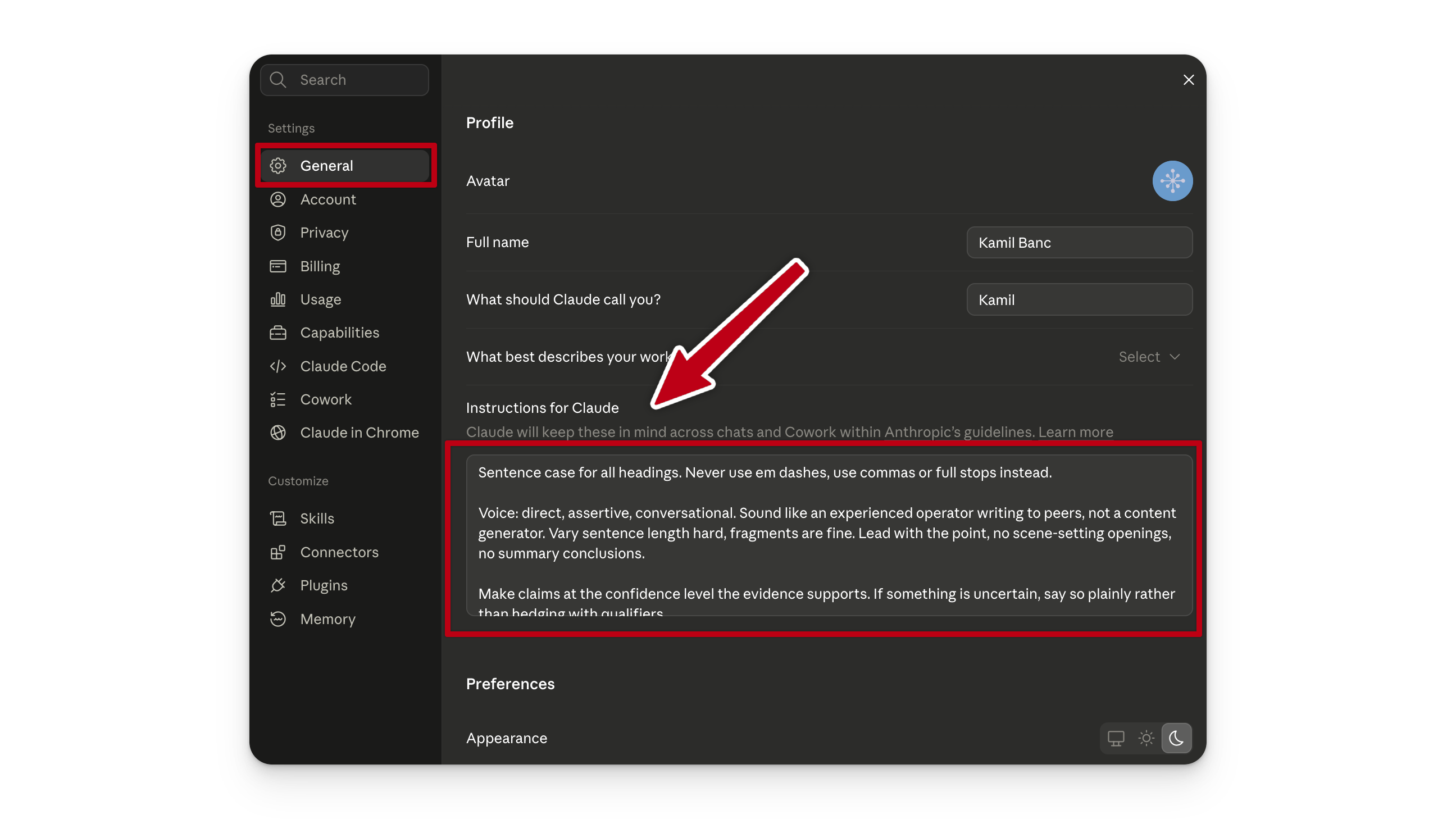
This is the expensive one. It loads into every conversation you have, in every project, forever.
Your box is probably a wall of prose, not a tidy list. One sentence in there is doing three jobs at once. So the first thing this prompt does is pull it apart.
Paste the kept version back in. Then work normally for a week and write down anything that goes wrong.

Pass two, your projects
Open a project, then its instructions, then the files you uploaded to it.
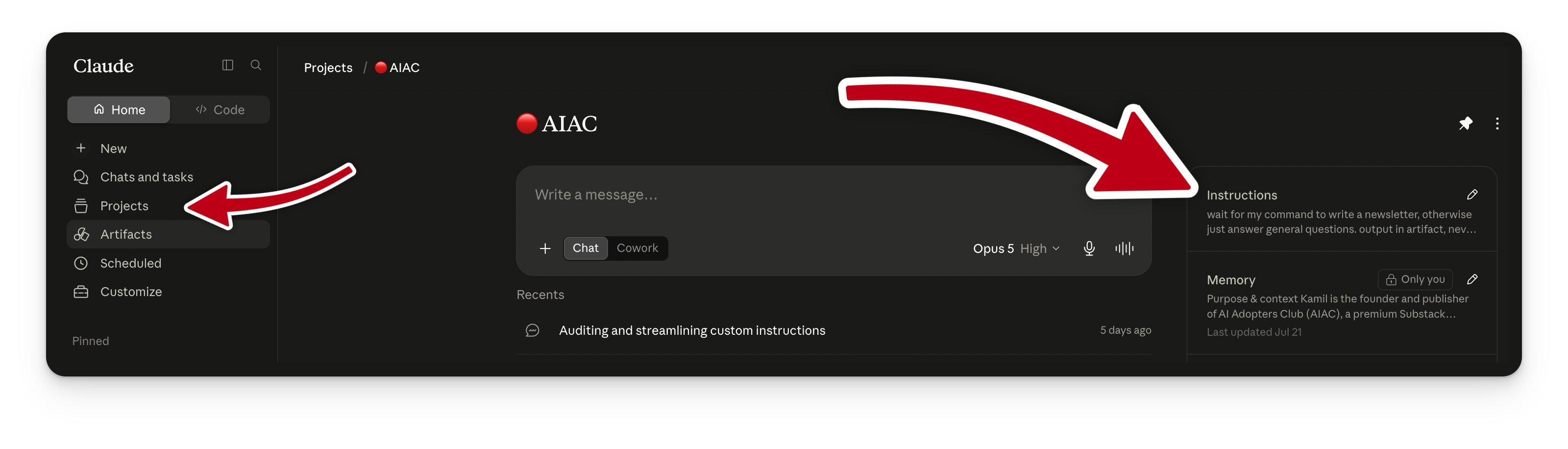
Same test, plus the thing that does most of the damage at this layer. Two documents agreeing in spirit and differing in wording will give you worse output than either one alone.
Pass three, your skills
Sidebar, under Customize, then Skills.
Skills are the exception. They only load when you call them, so they cost you nothing the rest of the time. Judge them on whether they fire when they should, not on length.
When something breaks
It will, once or twice. That is what the week of normal work is for.
Wait until the same problem happens twice. Once is a bad day, not a pattern. This is the rule that keeps the pile from growing back, so hold the line on it.
Do this today
The full prompt pack can also be downloaded on rightclickprompt.com for our premium members.
Adapt & Create, Kamil
Sources
The new rules of context engineering for Claude 5 generation models, Thariq Shihipar, Anthropic, 24 July 2026
Boris Cherny: Building Claude Code, Y Combinator