Hi Adopter,
Think of something you’ve been putting off because you don’t know how to do it. Mine was an app. I’m not a developer, but I now have one running on my iPhone and Apple Watch.
Experimenting with AI is the best way to learn about it!
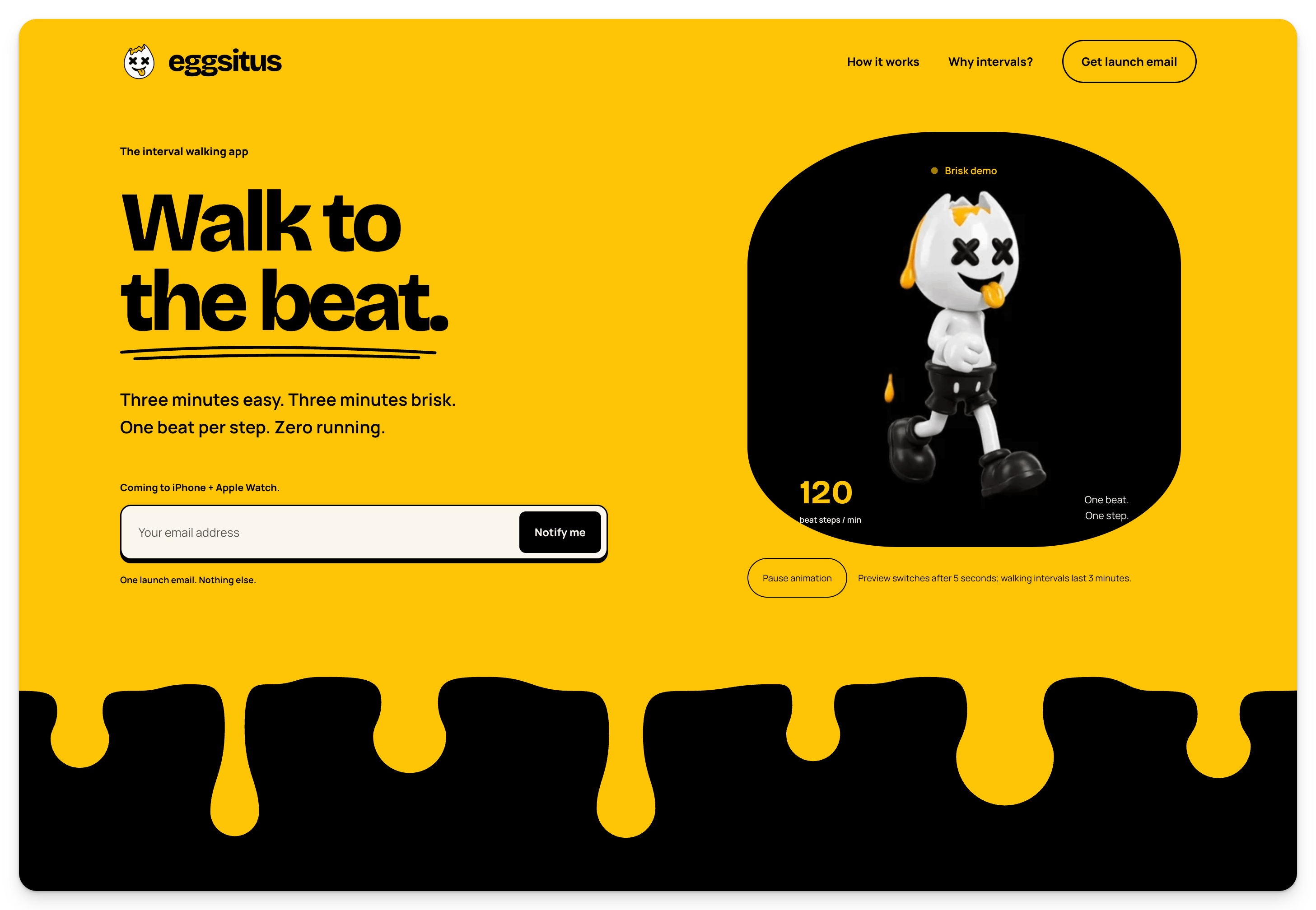
I hate running, so while I was out walking I explored an idea with Grok. Could I make interval walking easier to follow with a beat, a simple Watch screen and honest feedback from the walk? I brought the idea onto my Mac, then used Codex and Xcode to turn it into Eggsitus.
You can watch the build-along here:
But this isn’t mainly a lesson about building apps. Eggsitus is evidence of something more useful: AI can help you do work beyond your current skills when you use it to think, learn, make decisions and produce one testable result.
The catch is that you have to know which job belongs to whom.
Four jobs, kept separate
A conversational AI helps me reason. It can ask questions, explain an unfamiliar term, compare choices and challenge a weak assumption. That conversation helps me understand the work before anything changes.
Codex is a file-changing agent. It can inspect the project, edit code, run checks and show me what changed. Unlike a chat answer, those actions affect the thing I’m building, so I review the result and keep recoverable versions.
I still make the decisions. I decide what problem matters, what tradeoffs I’ll accept and whether the result is good enough.
Then the real world gets the final vote.
Eggsitus runs on my iPhone and Watch, but it’s still a work in progress. Real walks exposed Siri and AirPods audio problems, confusing setup, a crowded Watch screen and uncertainty about commanded versus measured pace. Some responses have been implemented, but I haven’t confirmed every repair outside yet. Revenue, release status and medical benefit aren’t established.
The project record reports 139 tests of shared, device-independent rules passing, along with simulator and signed builds. That’s useful evidence from the project, not an independent reliability audit. A passing rule test doesn’t prove a beat survives a real walk, a Siri interruption or a tired thumb on a small screen.
That gap between reassurance and evidence is where the learning happens.
Below, I’ll give you three prompts I’d use to move from “I have no idea” to one result you can inspect. They’re recommended adaptations, not transcripts of my historical AI chats. The 24-page premium workbook turns the same method into an AI-assisted thinking and work process with five fillable worksheets.