



Hey Adopter,
I’m going to say something that sounds dramatic, but I believe it completely:
using your brain for memory is over.
Not in a dystopian way. In a calculator way.
Before calculators, we spent enormous mental energy on arithmetic. After calculators, we spent that energy on the problems the arithmetic was trying to solve. The thinking got better because the grunt work disappeared.
That’s what’s happening right now with AI and memory. The people who figure this out first will operate at a level that seems unfair to everyone else.
I figured it out by building Claudia.
limited to 10 seats
What Claudia actually is
Claudia is an AI assistant that runs on your computer. Not in a browser tab. Not on someone else’s server. On your machine, inside your terminal, with her own local database.
She remembers every conversation you’ve had with her. She knows your clients, your commitments, who you owe a reply to, and what you promised to send by Friday. She tracks your relationships, spots patterns across weeks of interactions, and tells you things you didn’t ask for but needed to hear.
Last month she told me I’d committed to something without checking my calendar. For the third time. That’s not a chatbot. That’s a colleague with opinions.
My daughter designed the character, by the way. She’s a small robot with yellow hair and a blue dress. I had her 3D printed and she sits on my desk while the real one runs in my terminal.
R2-D2 vs Yoda
Most people use AI like R2-D2. Give it a command. It beeps. It executes. Done. That’s fine. But it’s rung one.
The better model is Yoda. An entity that knows your context, challenges your thinking, notices patterns you’ve missed, and tells you something you didn’t want to hear.
With R2-D2, you ask for answers. With Yoda, you’re asking for questions.
Claudia is built on the Yoda model. She has about 40 skills, from morning briefs to meeting prep to relationship mapping. She connects to your email, your calendar, your transcription tools. She drafts follow-up emails based on meeting transcripts she’s already read. She visualises her entire brain as a 3D graph where yellow nodes are people, blue are organisations, green are products, and red are commitments.
But the thing that makes her different from every other AI tool is this: she gets better the more you use her. Not in a vague “machine learning” way. In a concrete way. She stores memories in a local database, builds relationship maps, tracks what you’ve promised to whom, and reflects on each session when you tell her to meditate.
After 1,700 memories, she knows my world better than my actual assistant ever did.
The 80/90 rule
Most people miss this about AI assistants. The install is 10% of the value. The other 80 to 90% comes from connectors. Email. Calendar. Transcription tools.
The moment Claudia sees your inbox and your schedule, she stops being a novelty and starts being indispensable. That’s why I don’t hand people a GitHub link and say good luck.
I ran a live workshop last Saturday where 10 people installed Claudia on their computers in under an hour. Some had never opened a terminal before. One attendee spent an entire weekend debugging the install before we got on the call together. Another had it running as the first thing on a brand new MacBook.
The pattern was clear: the install itself isn’t hard. It’s four commands. But knowing what to do when something breaks, how to connect the right tools, and how to use Claudia once she’s running, that’s where the value is.
The golden rule
This is the single most important lesson from the workshop, and it applies to everything in AI, not just Claudia.
When you get stuck, ask your way to success.
Copy the error message from your terminal. Paste it into any AI. Ask for a step-by-step fix. If the answer is too technical, ask it to simplify. If you need the exact command, ask for the exact command.
Every error is a teacher. Copy it, paste it, ask.
The terminal is the hardest interface in the beginning. But the beautiful thing about it is that you see every detail of what the system is doing. You hand any of that output to an AI that will help you solve it for your specific situation, in whatever format makes sense to you.
That’s learning to fish. And once you fish, you install anything.
What you’ll need
Before you start, get these sorted. This is the stuff that eats up time if you don’t have it ready.
Claude Pro subscription ($20/mo) at claude.ai. Your subscription covers Claude Code usage, so you’re not burning API credits.
Node.js (LTS version) from nodejs.org. This is the runtime Claudia needs.
Git (Windows users only) from git-scm.com. Mac has it built in.
60 minutes of uninterrupted time. Not because the install takes that long, but because you’ll want to play with her once she’s running.
Want me to walk you through it live? Or at your own pace?
I’ve set up two paid paths depending on how you learn.
The install kit, $49
I recorded a full 35-minute walkthrough of the entire process. Claude Code installation, Claudia setup, connecting your email and calendar, running your first morning brief, the golden rule for fixing errors, and the philosophy behind how to use this thing properly.
You also get access to the private WhatsApp group where other Claudia users help each other, share what’s working, and troubleshoot together.
This is for people who are comfortable following a video at their own pace.
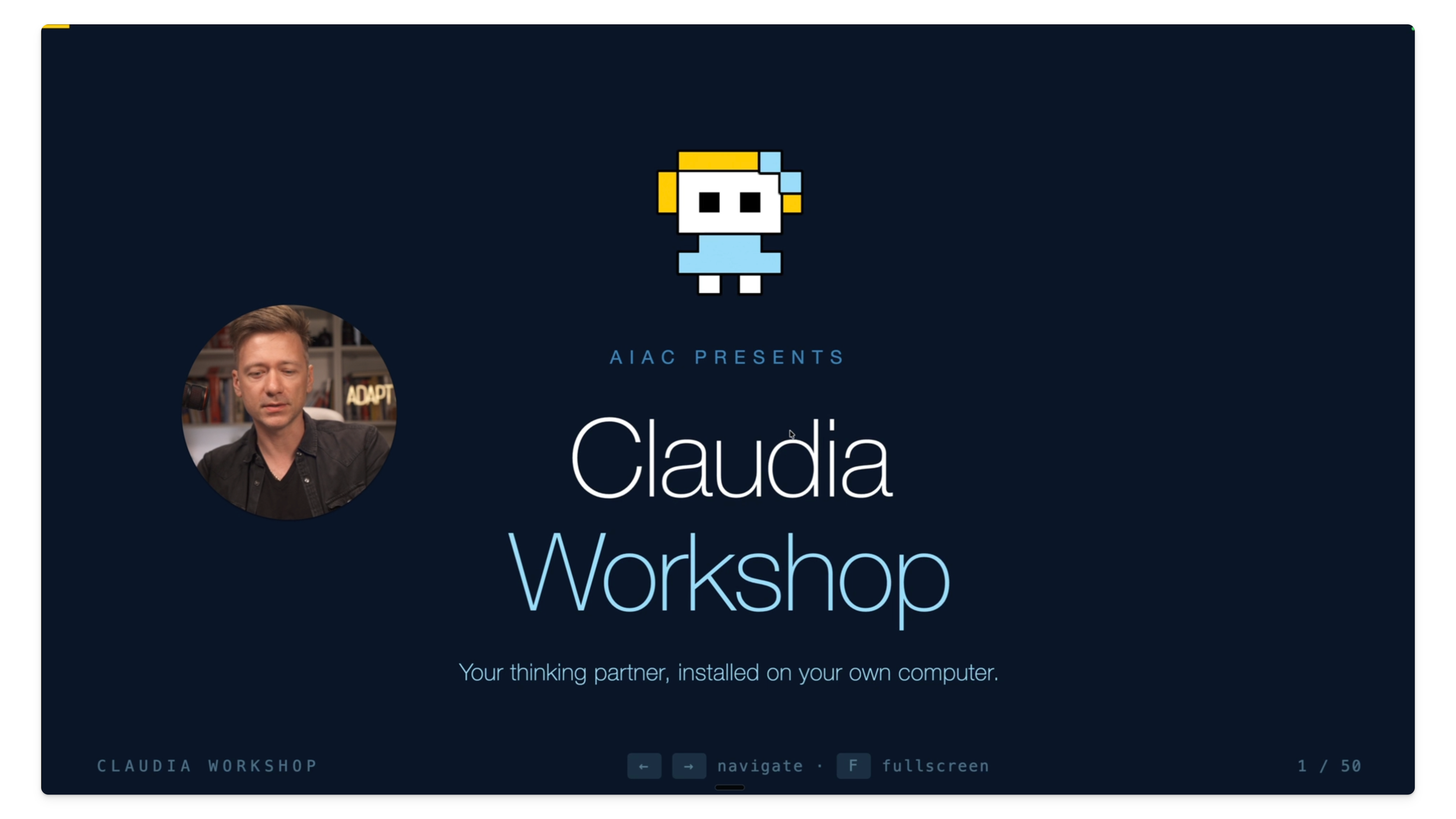
Live workshop, $99
This Saturday, April 18 at 1:00 PM EST. 60 minutes on Zoom.
You show up with the prerequisites installed. You leave with Claudia running, connected to your email and calendar, and doing real work.
I walk you through it live. We debug together. You ask questions in real time. Everyone leaves with a working setup.
Last workshop sold out. 10 spots again.
Or, if you’re a paid subscriber, keep reading.
Below the fold, I’m giving paid subscribers the full written step-by-step tutorial. Every command, every screen, every gotcha. The same material that’s in the video, laid out so you can follow it at your desk with your terminal open.