Hey Adopter,
Nobody likes slop. That’s why I’m convinced that AI-generated videos that feature fake characters will never catch up to the authentic you. However, that doesn’t mean that you cannot use the power of AI to help you with the deliverables.
Today I’m showing you how to use Claude code to fully cut and edit and deliver you a finished video from just a raw file that you give it.
By the end of this you will have the whole thing running on your own machine.
What separates a real edit from AI slop
A professional editor turns up with two things. A cut engine, what gets kept, in what order, at what pace. And a design system, what the graphics look like, which moments earn one, what the sound does. The cut engine is mechanical. The design system is taste, top to bottom.
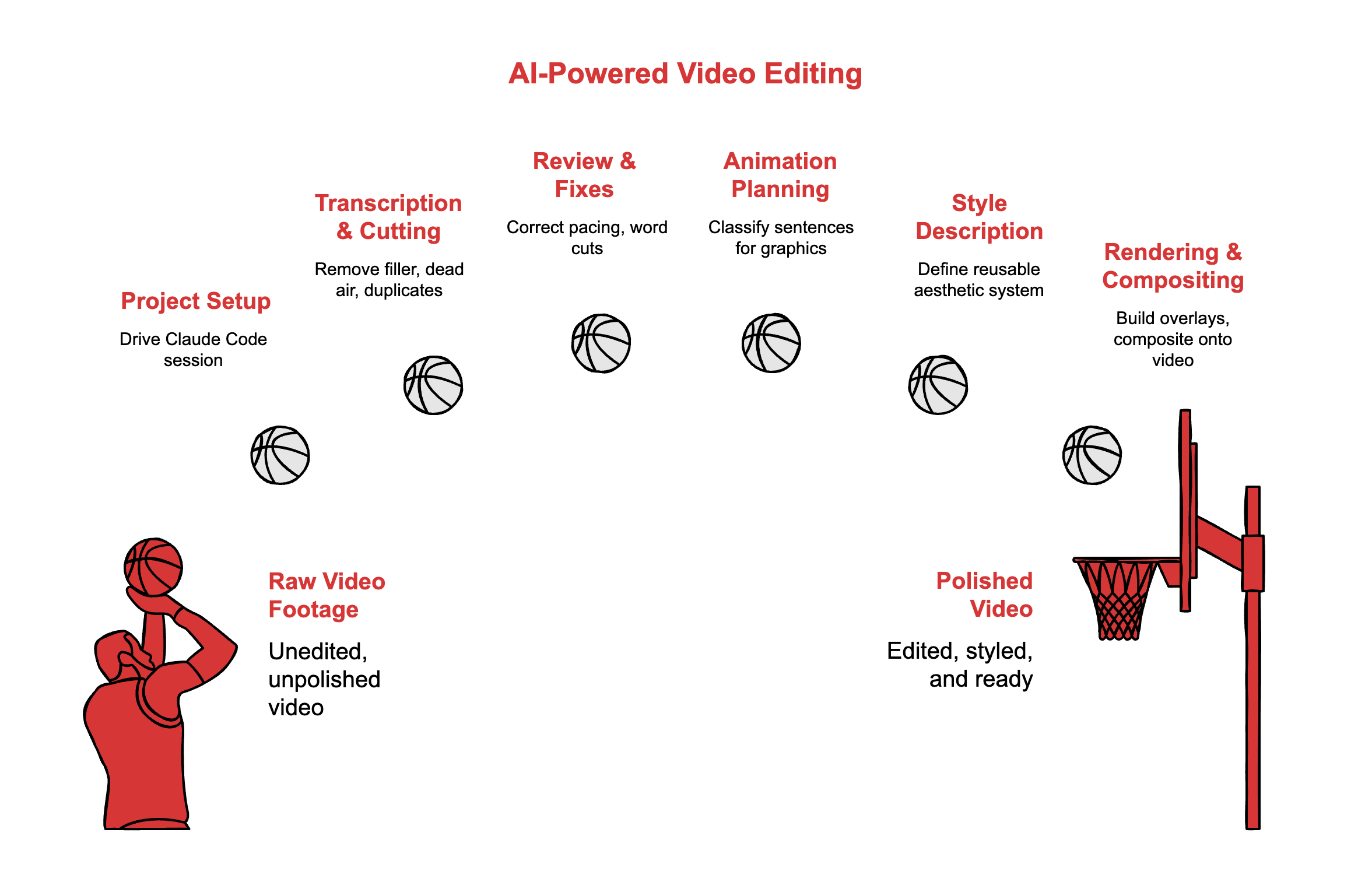
Here is the part most people miss. Taste survives being written down. Set the palette once, the type floor once, the rule for which lines earn a graphic once, and Claude works inside your look instead of its own best guess. That beats any single prompt you will ever write.
Below is the entire build. The install, the skill files, the first-video walkthrough, and the copy-paste prompts that drive it. Thirty minutes to set up, then you own a studio instead of renting a trick.
Everything from here is the actual setup. Commands, files, prompts, in order.