
Hi Adopter,
Opus 5 is the smartest model Anthropic has shipped, and your team still rewrites the first draft. The client email. The meeting notes. The update that should have taken five minutes. The answer was usually fine. It just arrived wrapped in so much talking that nobody could hit send.
Anthropic wrote this down. Default Opus 5 replies run longer than prior Opus models. Turning effort down cuts how much it thinks. It does not reliably shorten what you see. You have to put the talking rules in the system prompt.
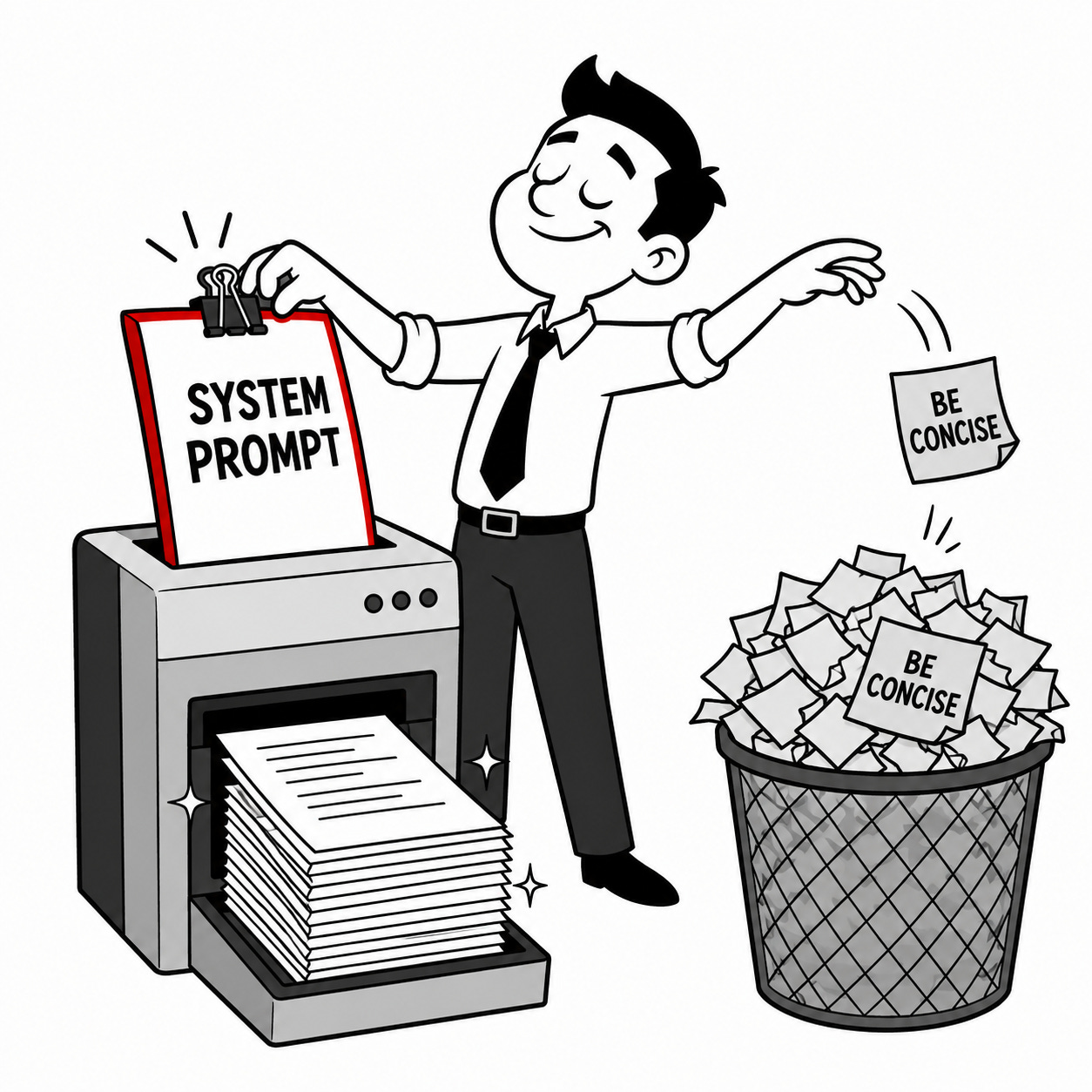
Two weeks ago I showed you output styles in Claude Code. Keep that. That’s a voice file for the terminal. This is the other layer, the one in the video going around right now: the system prompt. The law for every task. You write it once and append it. You do not type “be concise” at the top of every chat.
Here’s the setup
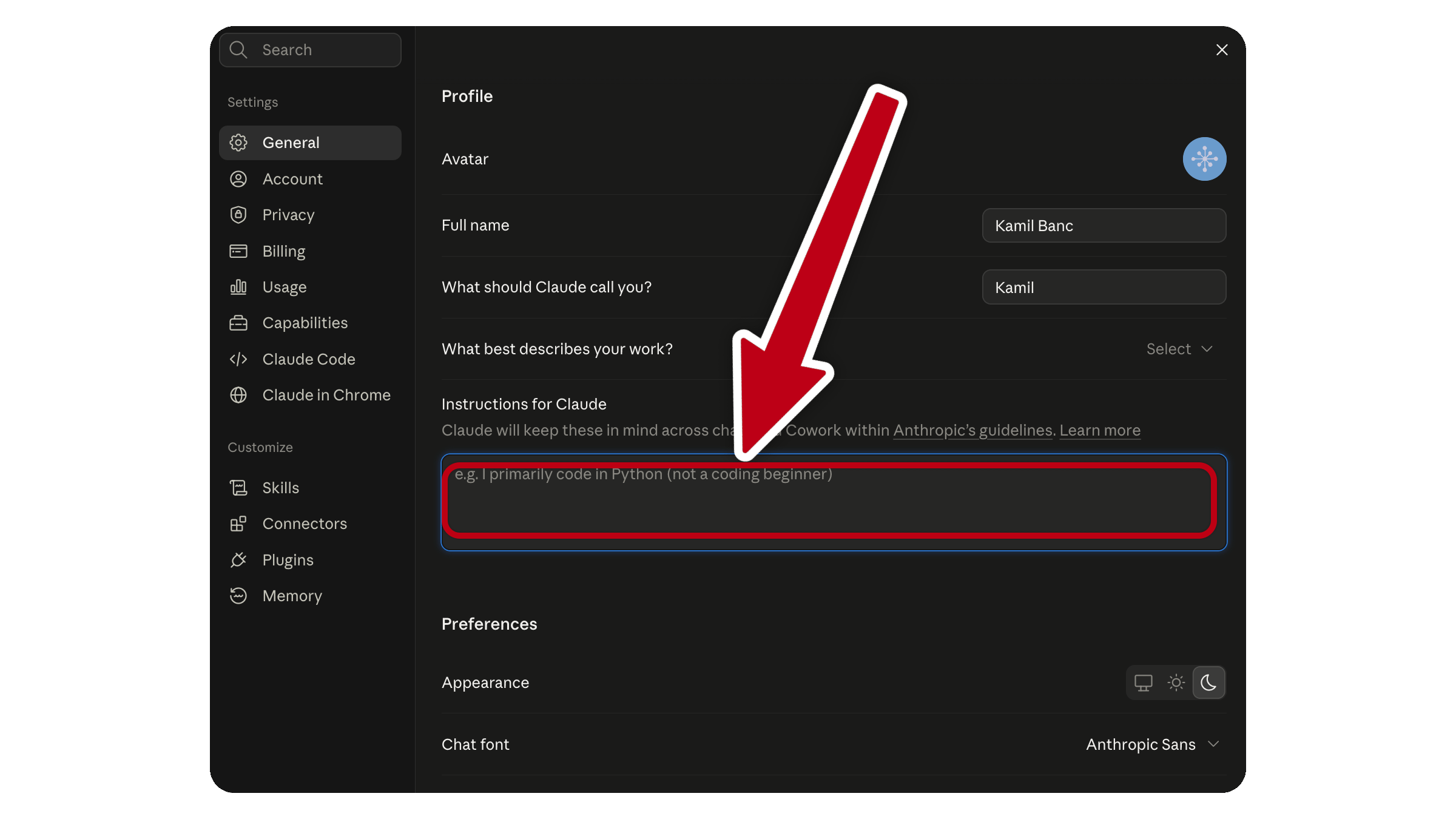
If you work in the Claude website, which is where most of the email and notes actually happen, click your initials, open Settings, and paste the file into Instructions for Claude. That hits every new chat. If the work lives in one Project, use that project’s instructions instead.
If you work in Claude Code, save the file and start the session with:
claude --model opus --append-system-prompt-file ./opus-contract.md
Append. Do not use
--system-prompt-file. That replaces Claude Code’s own prompt. And do not drop this in CLAUDE.md and call it done. That’s project context, not the system prompt.
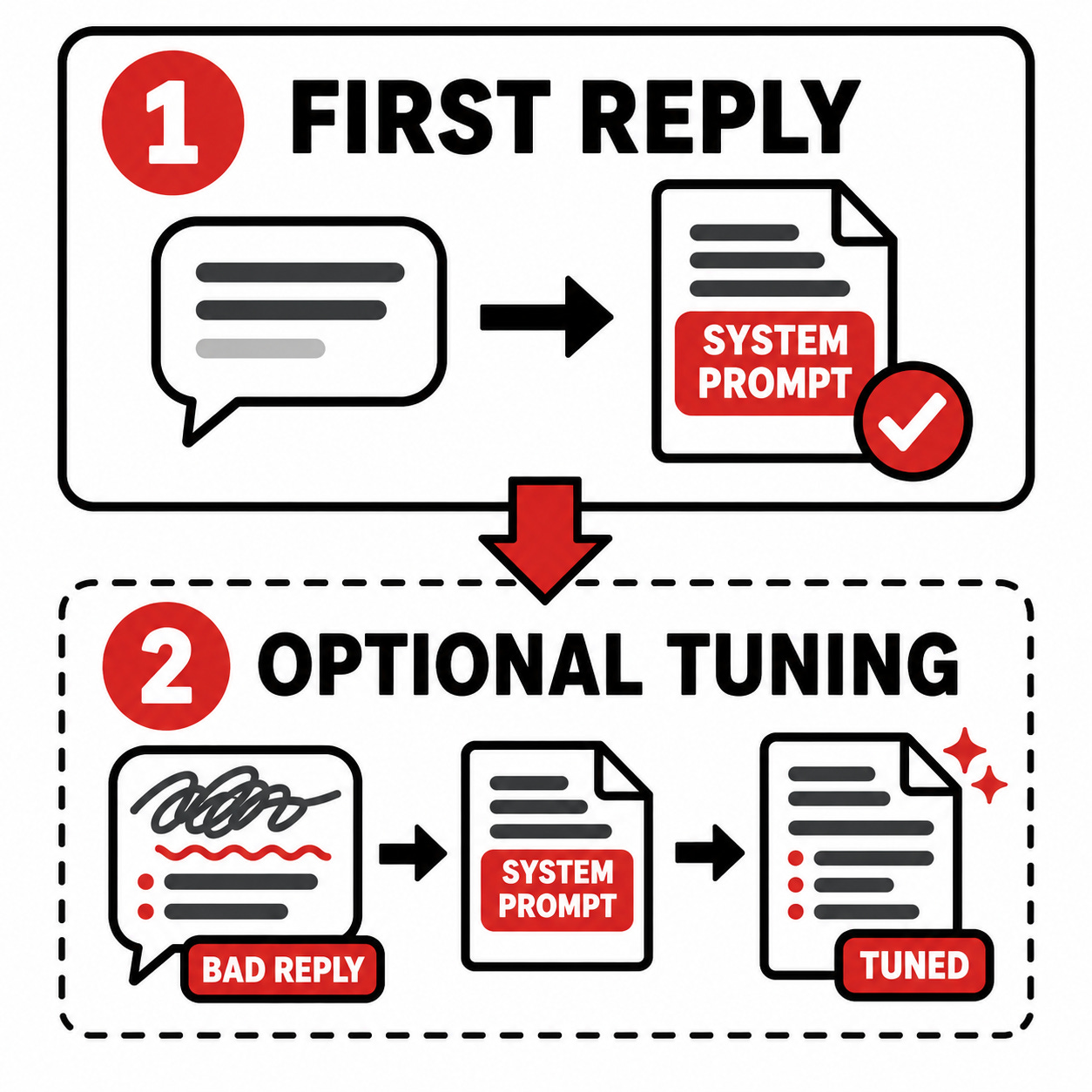
The prompt below should hand you the file on the first reply. Not a questionnaire. A working Opus 5 contract for email, notes, and client updates, built the way that video builds it: what to do, what never to say, a scope line, short codes, and two real examples. If you then paste one reply you already had to rewrite, it swaps the banned list for your actual tics. Skip the paste and you still leave with something you can install today.