



Hey Adopter,
Anthropic shipped 12 meaningful updates to Claude Code in the span of days. Not incremental patches. Structural changes to how the tool thinks, remembers, schedules, and reviews your work.
Most people will skim the changelog and move on. You are going to walk away from this post knowing exactly what changed, why it matters, and which updates to try first. Save this one. You will come back to it.
1. The /btw command, ask questions without breaking your flow
You are mid-task. Claude is working through a complex refactor. You need to check a syntax detail but do not want to derail the current job.
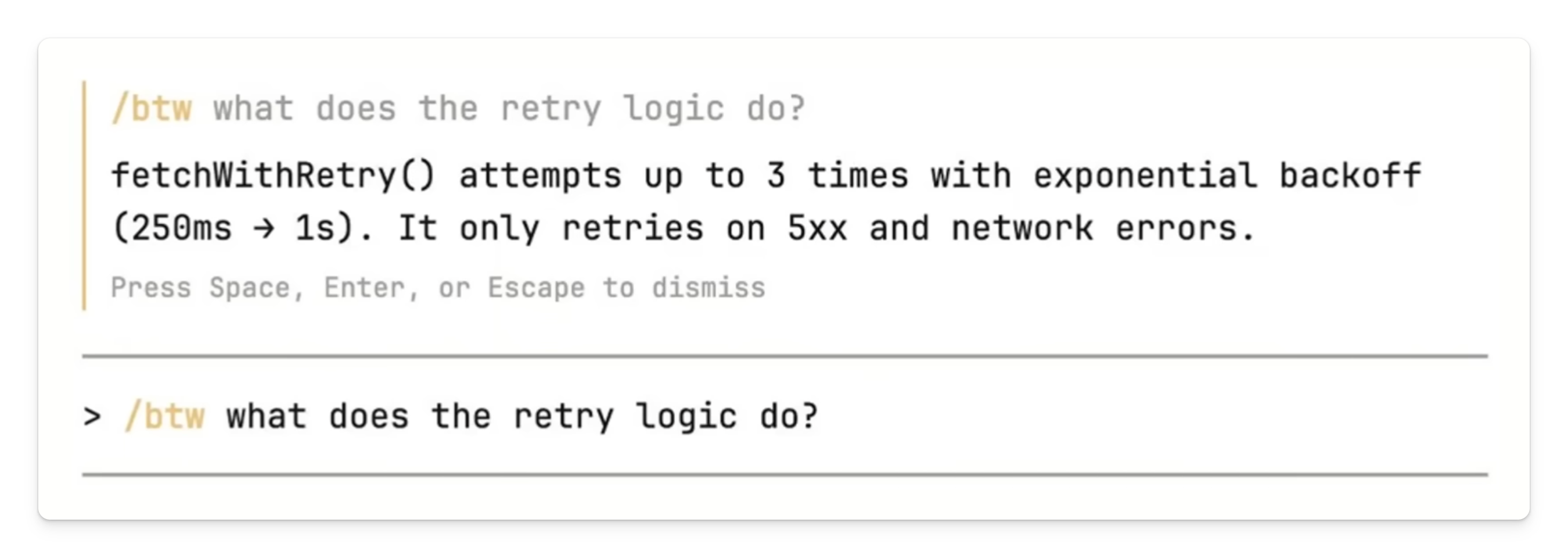
The new /btw command solves this. Type /btw what is the syntax for a React hook? and Claude answers in a dismissible overlay. The response never enters the conversation history. Your context window stays clean, and the main task keeps running in the background.
This is multitasking within a single Claude Code session. Quick answers without context pollution.
2. The /loop command, prompts that run on a schedule
This one changes the dynamic between you and Claude Code. Instead of you typing and waiting, /loop lets Claude run prompts on a recurring schedule inside your session.
The syntax works like this:
/loop 15m check buildfires every 15 minutes/loop audit deps every 2 hoursparses natural language into a cron schedule/loop 1h /security-reviewre-runs a packaged skill on the hour
A practical example: you can have Claude Code automatically generate summaries of recently merged PRs at a set interval. Status monitoring, dependency checks, log scanning, all running while you focus on something else.
Three guardrails keep it under control. Tasks expire after 72 hours. No catch-up runs if your machine sleeps. And everything is session-scoped, close the terminal and the schedule disappears.

3. Desktop scheduled tasks, the persistent version
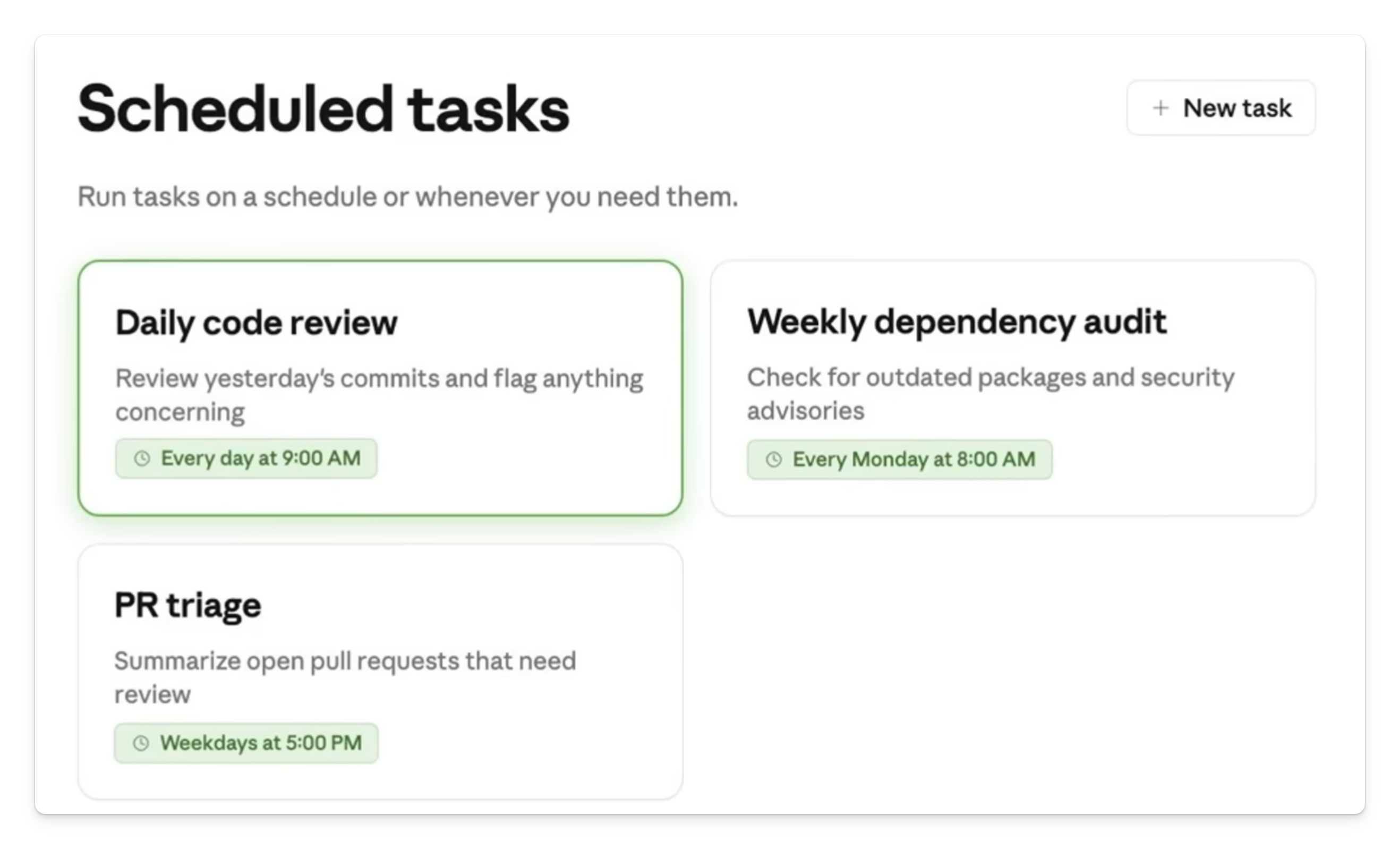
Where /loop is temporary and tied to your terminal, desktop scheduled tasks persist through the Claude Desktop app. As long as your computer is awake and the app is open, Claude starts a new local session at whatever time and frequency you choose.
This is where recurring workflows live. Daily code reviews. Dependency update checks. A morning briefing that pulls from your calendar or inbox. Set it once, and it runs until you stop it.
4. Connect scheduled tasks to Telegram for mobile alerts
Here is where scheduling gets practical for teams. You can wire up desktop scheduled tasks to send their output straight to a Telegram bot.
The process: ask Claude to add a Telegram messaging module to your repo, create a bot using BotFather on Telegram, add the bot credentials to your .env file, and end any scheduled task prompt with an instruction to send the output to Telegram.
Every time the task runs, the result lands in your Telegram chat. Team alerts, build notifications, daily summaries, delivered straight to your phone without opening the desktop app.
Here is how the three scheduling options compare:
5. Smarter auto memory, structured format for better recall
This is the update nobody is talking about, and it might be the most important one.
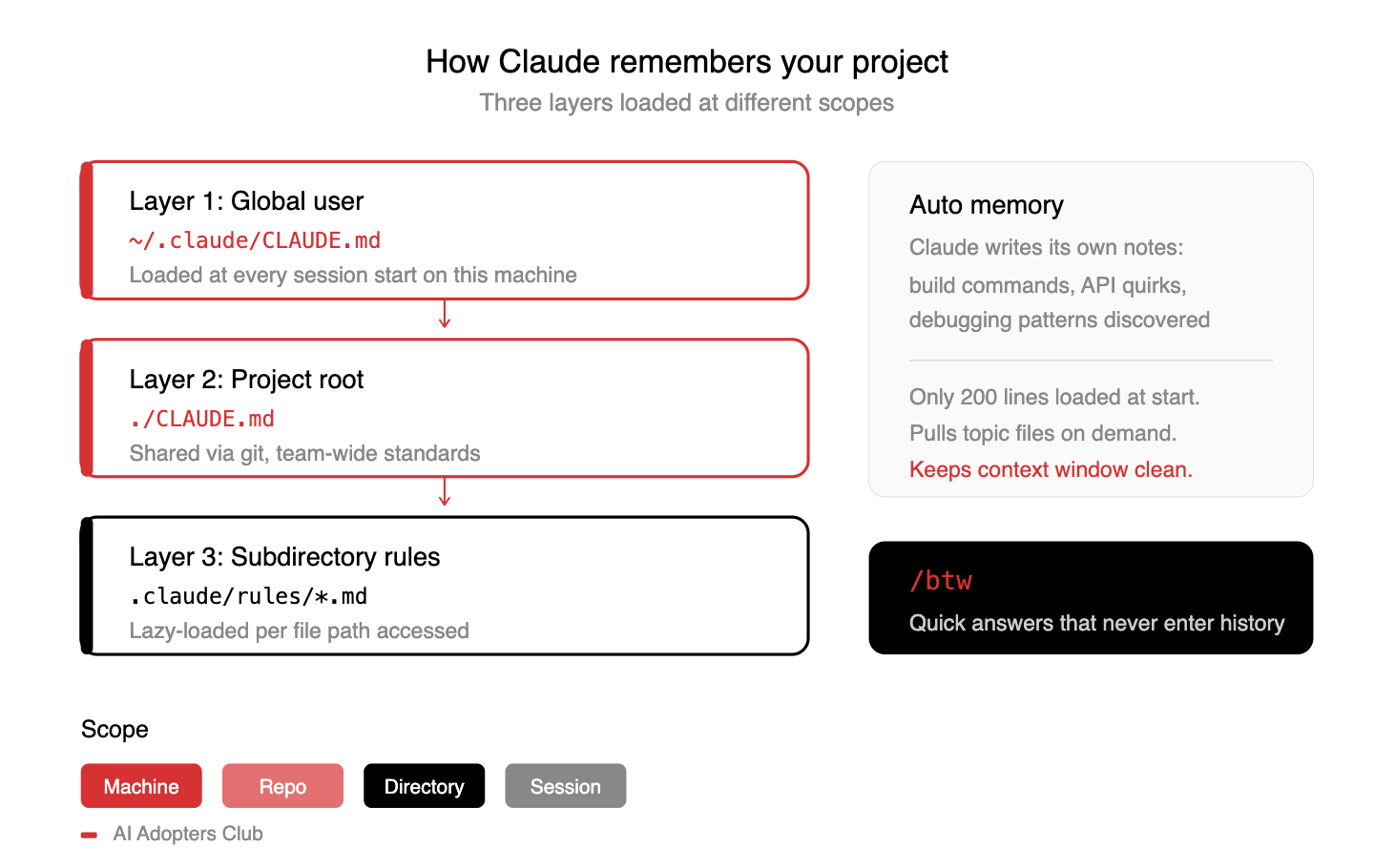
Claude Code’s system prompt now enforces a structured format for how it writes to auto memory. Previously, memories were stored as loose notes. Now, every memory follows a three-part template: the rule or fact, why it matters, and how it should influence Claude’s behavior in future sessions.
Claude also no longer runs mkdir or checks whether the memory directory exists before writing. That cuts out unnecessary tool calls and prevents accidental path setup steps.
The result: better context retention across sessions. Claude recalls not just what you told it, but why it matters and when to apply it.
6. Voice mode, now available to everyone
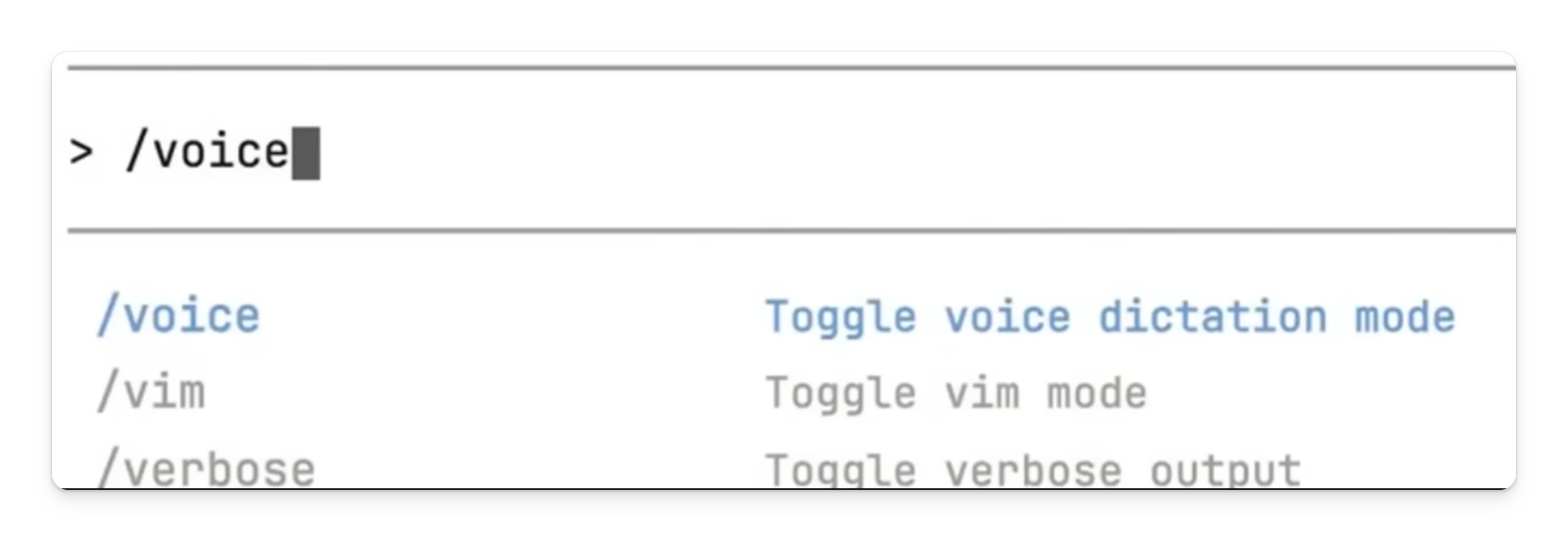
Claude Code introduced voice prompting with the /v command, and it has now rolled out to every user. Toggle it on, speak your instruction, and Claude executes.
This is not a novelty feature. For developers who think faster than they type, or who want to dictate architectural decisions while reviewing code visually, voice mode turns Claude Code into a hands-free collaborator.
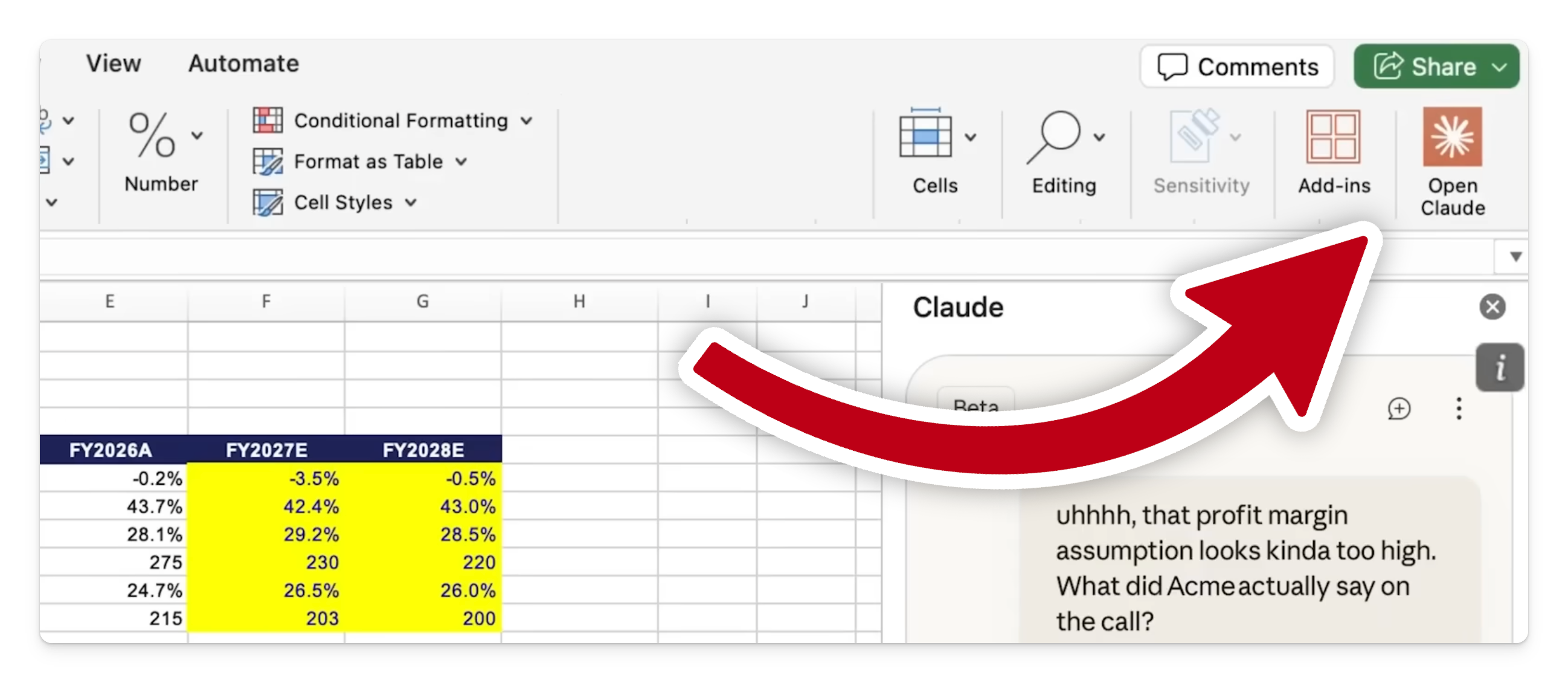
7. Excel and PowerPoint now share context
This one is for everyone who has ever copied data from a spreadsheet, switched to a presentation, and then had to re-explain the entire context to an AI assistant.
Claude for Excel and Claude for PowerPoint now sync seamlessly. When you have multiple files open, Claude shares the full conversation context between them. Pull data from spreadsheets, build tables, and update a deck without re-explaining any step.
Skills are available inside both add-ins. If your team has a standard workflow, like running a variance analysis or building a client deck, save it as a skill. Others in your organisation can run it with a single click from the sidebar.
8. Agent Skills Creator, now with evals and benchmarking
The Skills Creator has been revamped. You can now write evals, benchmark performance, catch regressions, and verify that your skills trigger correctly, all without writing code.
A concrete example from the changelog: the PDF skill previously struggled with non-fillable forms where Claude had to place text at exact coordinates without guidance. Using evals, the team isolated the failure, implemented a fix that anchors text positioning to extracted coordinates, and verified consistent output across tricky layouts.
Multi-agent support is now part of skills too, enabling parallel testing and analysis. Building and maintaining skills is faster, more reliable, and aligned with the evolving models underneath.
9. Claude API skill, a built-in API mentor
You can now ask Claude Code about Claude API features directly in your terminal. Prompt caching, extended thinking, effort controls, tools, all of it.
Instead of digging through documentation, you get actionable guidance on integrating advanced API capabilities within your current project session. Claude Code now functions as a live API reference. For anyone building with the Claude API at a deeper level, this saves meaningful time.
10. Effort levels shown at session start
Every session now asks what effort level you want to use. Low, medium, high, or max. This controls how deeply Claude reasons, how long it works, and how much it costs.
You can also trigger the “ultra” mode, which we have covered before, for complex multi-step problems that need the maximum reasoning budget. Being clear on effort from the start means predictable results and efficient token usage.
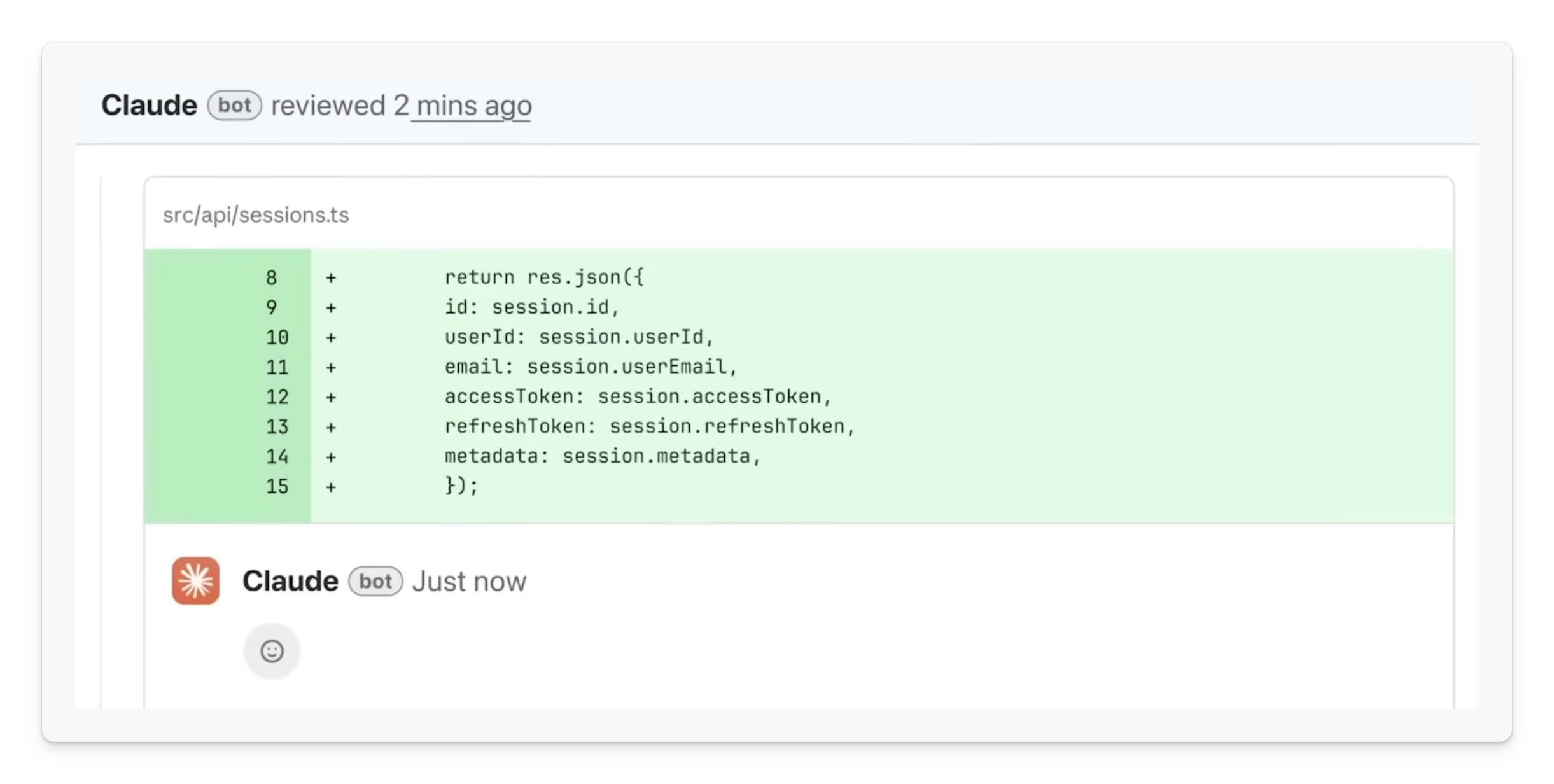
11. Multi-agent code review
Claude Code now offers deep, multi-agent code review that catches bugs human reviewers miss. A fleet of parallel agents scans your codebase, not just the diff, hunting for type mismatches, logic errors, and architectural regressions.
This is the same system Anthropic runs on nearly every internal PR. It does not approve pull requests, but it closes the review gap and lets developers focus on higher-level decisions.
The cost: approximately $15 to $25 per run. Currently available for Team and Enterprise subscribers only.
12. Interactive charts and diagrams in chat
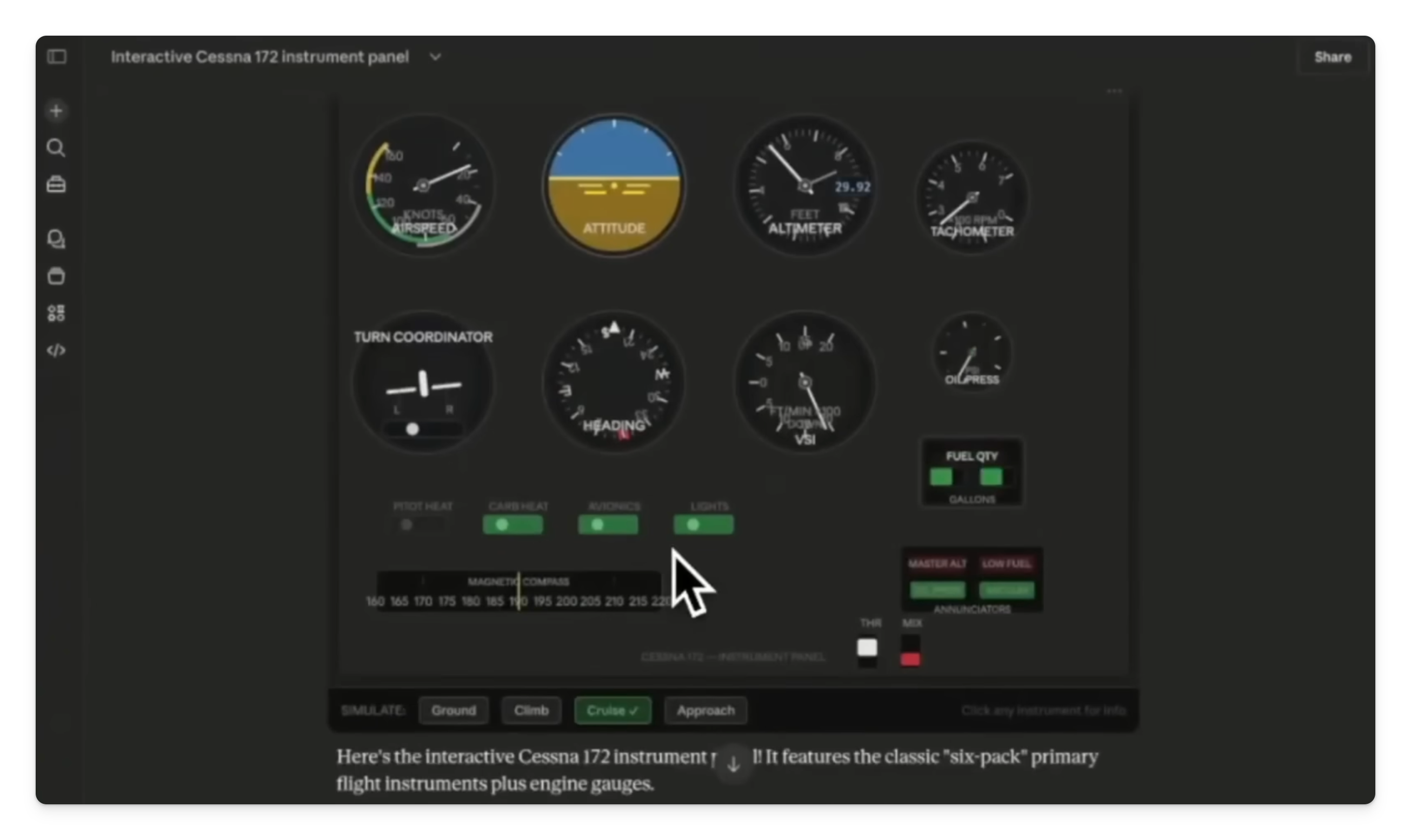
The Claude Desktop app now lets you build and view interactive charts, diagrams, and visualisations directly in the conversation. Available in beta on all plans, including the free tier.
Someone built an interactive instrument panel from a Cessna 172 directly in the chat. Not perfect yet, but the potential for education, data exploration, and visualising code architecture is real.
This is early, but worth watching.
Which updates matter most to you
Not all 12 deserve your time this week. Here is how to prioritise:
If you write code daily: Start with /btw and /loop. They change the rhythm of how you work with Claude Code. Then explore the Skills Creator evals.
If you build reports and presentations: Get the Excel and PowerPoint add-ins. The shared context and one-click skills will save you hours of copy-paste.
If you manage a team: Look at desktop scheduled tasks with Telegram integration. Automated briefings and build alerts landing in a group chat.
If you build on the Claude API: The new API skill inside Claude Code is your fastest path to answers about caching, thinking modes, and tool integration.
The tools are live. Pick two, try them this weekend, and let me know which ones stick.
Adapt & Create,
Kamil